

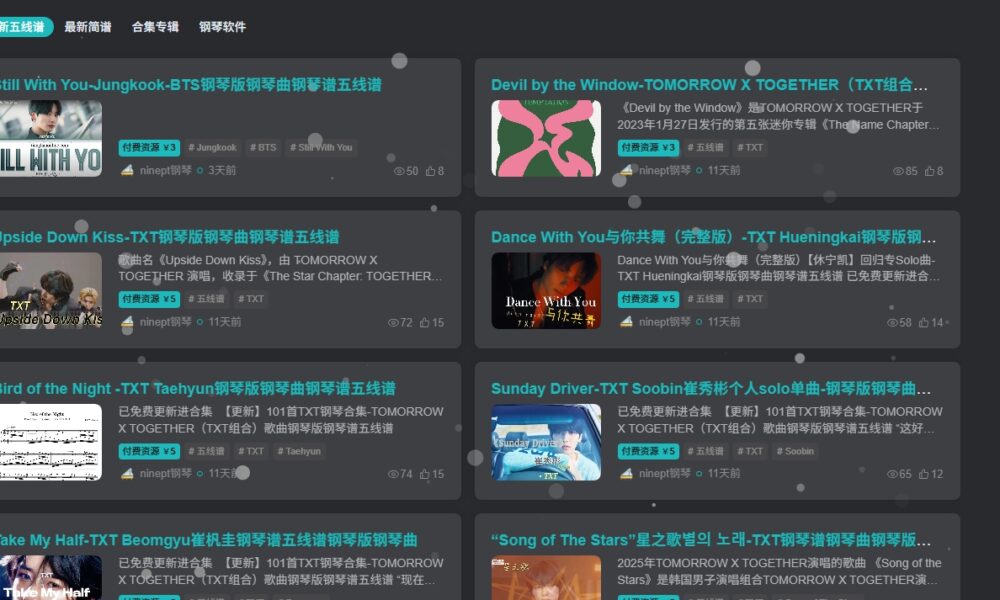
Zibi Theme Dashboard: Global Settings – Custom Code – Adding Custom CSS Styles:
/* 全部页面透明度*/

.posts-item:not(.card) ,.author-header .avatar-img ,.full-widget-sm ,.header .sub-menu ,.modal-content ,.form-control ,.no_webshot.main-bg.theme-box.box-body.radius8.main-shadow ,.article ,.dropdown-menu ,.btn-score ,.float-right.round .float-btn ,.forum-posts.alone ,.zib-widget ,.posts-mini-lists ,.posts-item.card.style3 {
    backdrop-filter: blur(3px) !important;
    background: rgba(255, 255, 255, 0.5) !important; /* 50%半透明白色 */
Last line: "255, 255, 255, 0.5" can be customized; 0.5 represents semi-transparency—adjust it to your preference.

Preview (set to 0.1 in this example)


Other Articles
Next
No Comment! Be the first one.